
VAVOO TV
Entertainment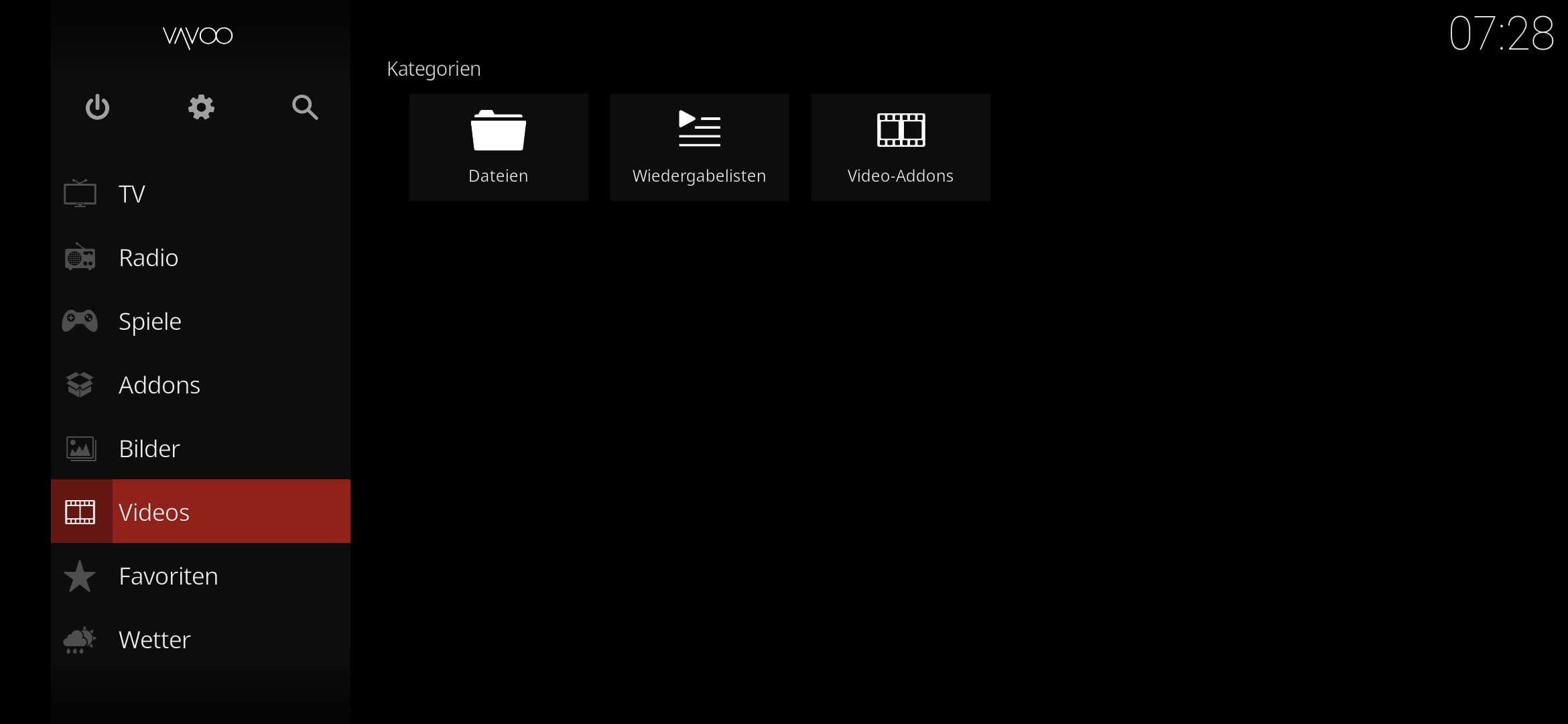
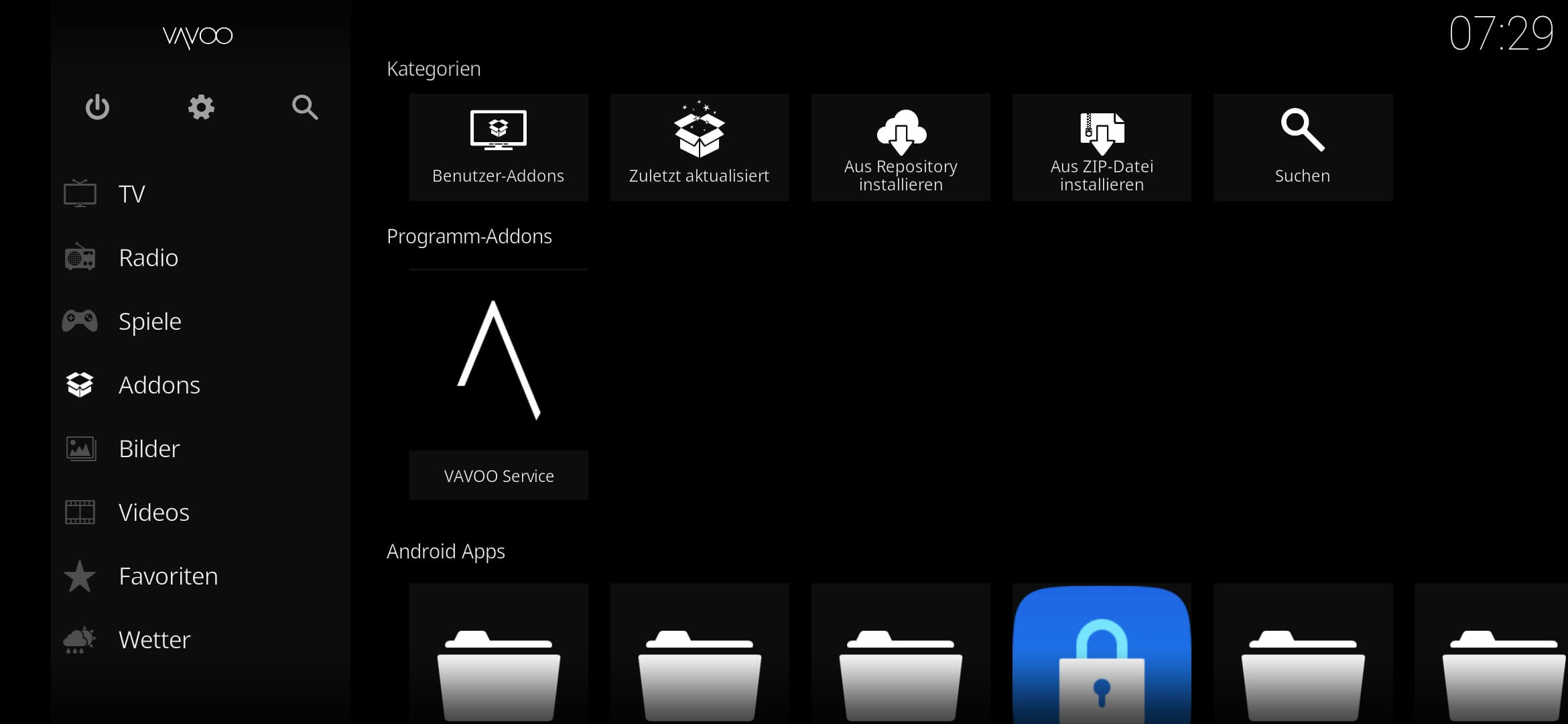
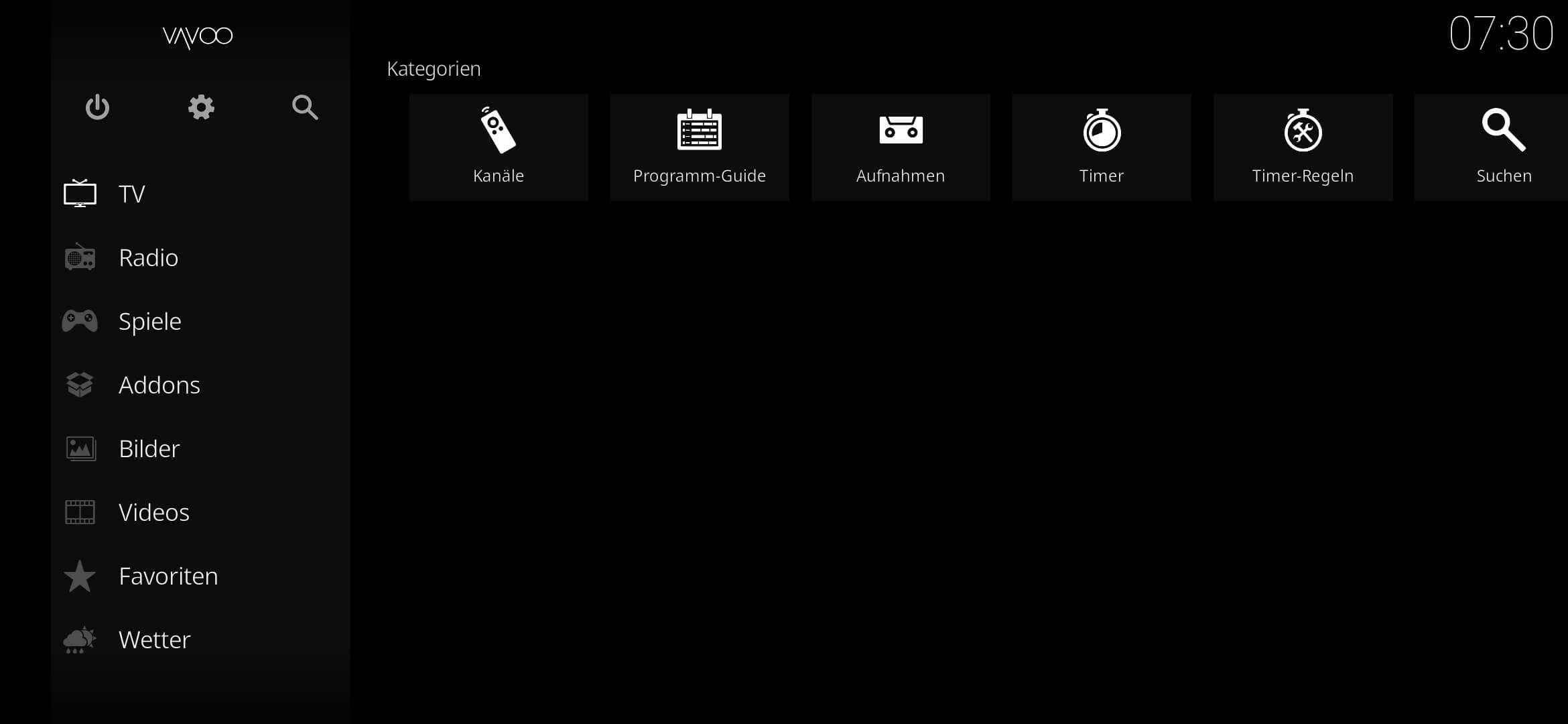
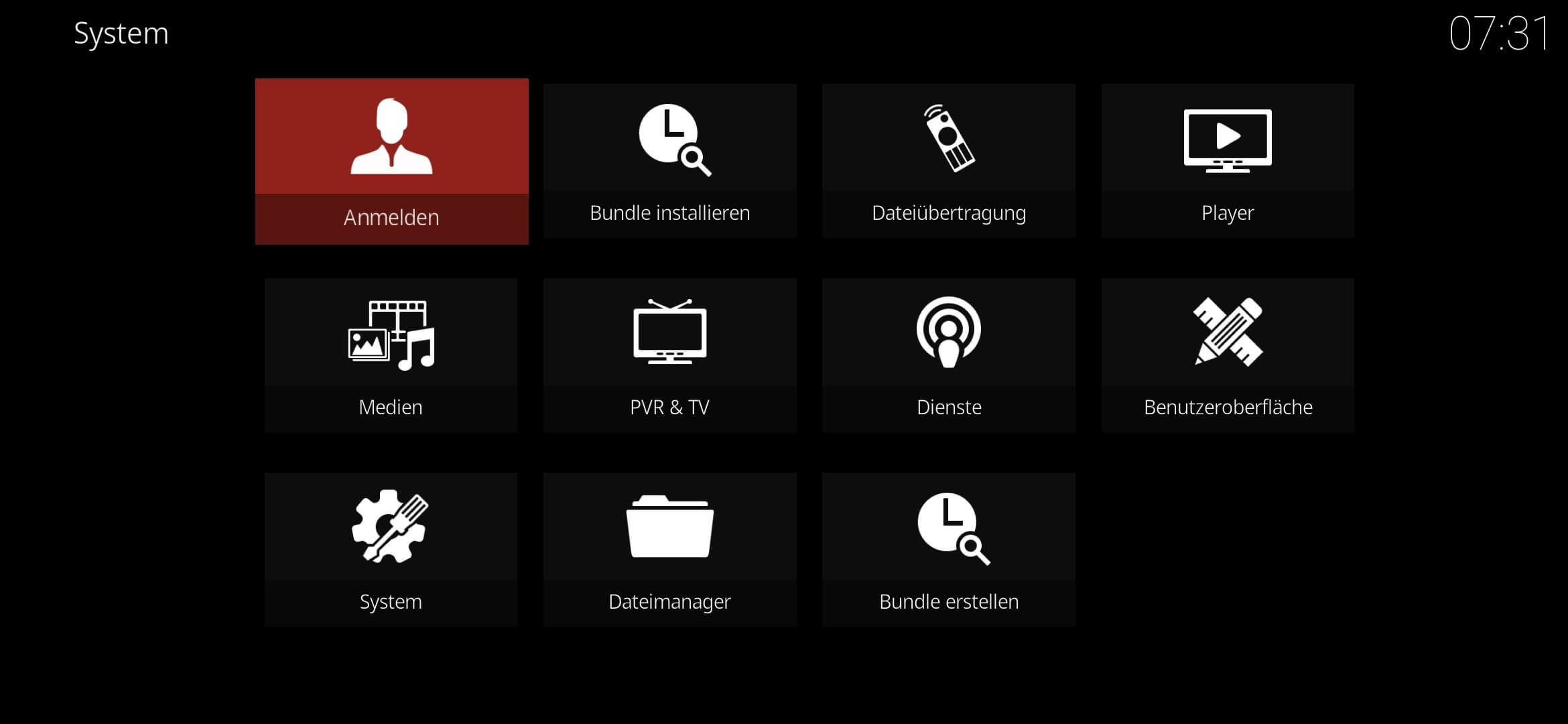

VAVOO TV is an Android application that lets you watch IPTV streams, movies, and TV shows by loading your own playlists or links from legal sources. The app itself does not host any media; it simply acts as a player for content you provide.
This page gives you the latest official version (4.11.3), a step‑by‑step install guide, compatibility info, and practical tips for a smooth experience.
Quick Information
| App/Game Name | VAVOO TV |
| Latest Version | 4.11.3 |
| Developer | Not listed |
| Category | Apps / Entertainment |
| App Size | 85.16 MB |
| Package Name | tv.vavoo.apa |
| Last Updated | 1 October 2026 |
What Is VAVOO TV?
VAVOO TV is designed for users who want a lightweight, dedicated IPTV player on Android devices. Its core features include:
- Support for M3U and JSON playlist formats.
- Simple interface for adding, editing, and organizing streams.
- Playback via the device’s native video decoder, which works on most Android phones and tablets.
The app does not provide any channels or on‑demand content. Users must supply their own URLs or playlists, typically from legal streaming services or personal media libraries.
Compatibility
Compatibility
| Android Version | ✓ Verified — Android 5.0 and later |
| Architecture (ARM64 / 32-bit) | ✓ Verified — Supports common device architectures |
| Internet Connection | ✓ Verified — May be required for ads, updates, or login |
| Storage Needed | Not Verified |
| OBB/Data Files | Not Verified |
| Root Required | Not Verified |
How to Install
- Enable installation from unknown sources: Settings → Security → Allow installation of apps from unknown sources (or use the modern “Install unknown apps” permission for the file manager/browser you’ll use).
- Download the VAVOO TV APK file to your device.
- Open the downloaded file and tap “Install”.
- Once installed, launch VAVOO TV from the app drawer.
- To start watching, add an M3U or JSON playlist via the “Add Playlist” button.
Troubleshooting
- App not installed – Verify the APK is complete and matches the listed size (85.16 MB). Clear any partially‑installed version before retrying.
- Crashes on startup – Ensure your device runs Android 5.0 or newer and has enough free storage. Re‑install the app if the problem persists.
- Playlist fails to load – Check that the URL points to a valid M3U/JSON file and that your internet connection is stable.
- Login or authentication prompts – VAVOO TV itself does not require an account; any login screen is likely coming from the source playlist.
Safety & Security
VAVOO TV is a standard APK that does not contain built‑in media. As with any third‑party app, install it from a trusted source and review the permissions it requests. The app typically asks for storage access to read playlist files and network access for streaming. Avoid entering personal credentials into unknown streaming links and keep the app updated to receive any security patches.
How VAVOO TV Compares
| Feature | VAVOO TV | Kodi | Plex |
|---|---|---|---|
| Price / Free model | Free | Free (open‑source) | Free tier + optional Plex Pass subscription |
| Platform availability | Android only | Android, iOS, Windows, macOS, Linux, TV boxes | Android, iOS, Windows, macOS, TV platforms, web |
| Standout feature | Simple, dedicated IPTV player | Highly customizable with add‑ons and skins | Integrated media library with automatic metadata |
| Best for | Users who want a lightweight IPTV player without extra bells | Power users who enjoy tweaking and extensive media formats | Those who want a unified library across devices and optional premium features |
Alternatives
- Kodi – Open‑source media center with extensive add‑ons for IPTV, local files, and streaming services.
- Plex – Combines media server capabilities with a polished client; supports IPTV via plugins.
- VLC for Android – Versatile player that can open M3U playlists directly.
- IPTV Smarters Pro – Dedicated IPTV client with EPG support and parental controls.
- MX Player – Popular video player that also handles network streams and playlists.
Final Verdict
VAVOO TV is a straightforward, free Android app for anyone who already has IPTV playlists and wants a no‑frills player. It works on most modern Android devices, requires only storage and network permissions, and does not bundle any content. Users should verify the source of their playlists and keep the app updated, but otherwise it offers a clean way to enjoy IPTV without the complexity of larger media centers.
Frequently Asked Questions
VAVOO TV itself is a simple player and does not contain media, but you should download the APK from a reputable source and review the permissions it requests.
No. The app only plays streams you add via playlists or URLs; it does not host any content.
The app works on Android 5.0 (Lollipop) and newer, provided the device has enough free storage.
Open VAVOO TV, tap the “Add Playlist” button, then enter the URL of an M3U or JSON playlist or browse to a local file.
This can happen if the APK is incomplete, if an older version of VAVOO TV is already installed, or if your device blocks unknown sources.
Yes, a VPN can be used to protect your privacy while streaming, but the app itself does not require a VPN.